Altova DiffDog 2026 Enterprise Edition
Compare and Merge Tool
v2026.02.00
This title isn't mirrored on MirrorNest — see how we source software for why. The button above goes straight to the official publisher.
About
Altova DiffDog 2026 Enterprise Edition is a Windows application for comparing and merging different kinds of files and data. It is designed for users who need to examine differences between text or source code files, XML or JSON files, and Word documents. The tool also supports work involving directories, database schemas, and database content.
Its XML-aware comparison capability is relevant when the structure of XML data matters in addition to the visible text. Users can use the comparison and merge functions to review variations between files or data sources and bring selected content into alignment. Directory comparison extends this work from individual files to collections of files.
The application is intended for people working with source files, structured documents, document content, directories, or databases on Windows systems. It can fit workflows where changes must be inspected across related versions or where two sets of content need to be synchronized. The available facts do not specify a license type, so the licensing terms should be confirmed from the official release.
MirrorNest provides a direct link to the official release rather than hosting or mirroring the installer. This makes the catalog entry a way to locate the Windows edition while obtaining the software from its official source. As a Windows download catalog listing, it is categorized around a comparison and merge utility for files, structured data, directories, and databases.
Architecture: x64
Details
Does this still work for you?
Reviews
No reviews yet — be the first.
More in System Tools
Akka CLI
CLI for building and deploying Akka applications

AISwitcher
AI Switcher
HomeStudent
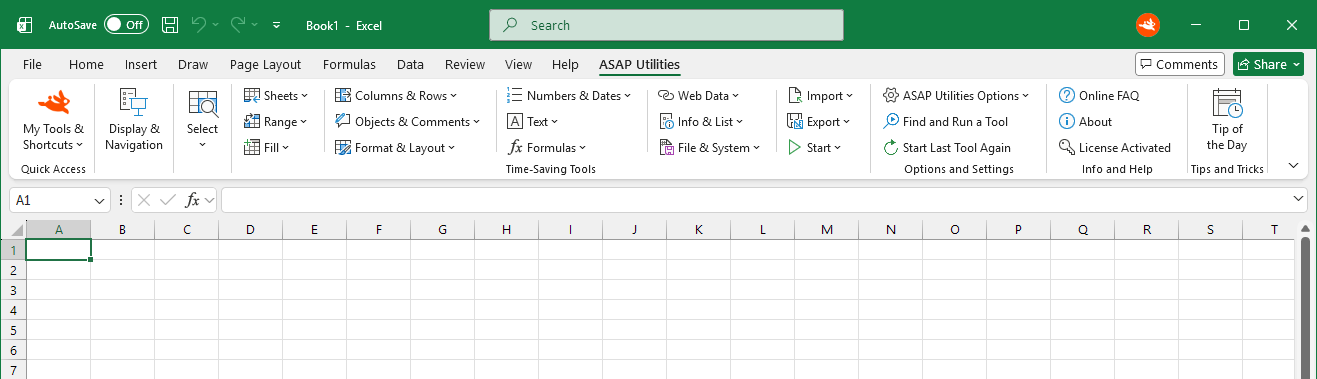
A friendly Excel add-in that saves our users a lot of valuable time.

Kent
The Kent Device Enabler is a software addition to LabChart, allowing Kent Scientific devices to stream data into LabChart.
OxfordOptronix
The Oxford Optronix Device Enabler is a software addition to LabChart that allows a range of tissue monitors manufactured by Oxford Optronix Ltd. to stream data into LabChart.

Chocolatey VSCode extension
Chocolatey Extension for Visual Studio Code