
Resizer 2
Resize and move windows like in KDE on Windows with Win+Mouse!
v2.0.4
1.9 MBscanned clean
Verify your download
Select the file you downloaded to check it against the hash we published — the check runs in your browser, nothing is uploaded.
Screenshots
About
Resizer 2 is an open-source Windows utility for resizing and moving application windows with a keyboard-and-mouse gesture. Its main purpose is to provide window handling similar to the approach associated with KDE while working on Windows. The software is intended for people who want to adjust window size or position through a direct mouse-based interaction rather than relying only on standard window controls.
The central feature uses the Windows key together with the mouse. This lets users resize or move windows through the same general interaction method, making the utility relevant to everyday desktop window management. Resizer 2 is focused on this specific task rather than being presented as a general-purpose desktop environment.
The program fits the Windows utility category because it changes how windows are manipulated within the Windows desktop. Its open-source license allows the software to be examined and used under the terms of that license. This makes it suitable for Windows users looking for an open-source option for KDE-style window movement and resizing.
MirrorNest distributes the official build directly from its own storage. The mirrored file is scanned for malware before it is published. This gives users a catalog-based way to obtain the Windows version while keeping the distribution tied to the official build.
Architecture: x64
What's new in v2.0.4
What's Changed - Create winget.yaml by @alvesvaren in #16 - Add PowerShell command to set scheduled task settings by @alvesvaren in #18 Full Changelog: v2.0.3...v2.0.4
Details
SHA-256
Does this still work for you?
Reviews
No reviews yet — be the first.
More in System Tools

Vantage
Vantage
Akka CLI
CLI for building and deploying Akka applications

AISwitcher
AI Switcher
HomeStudent
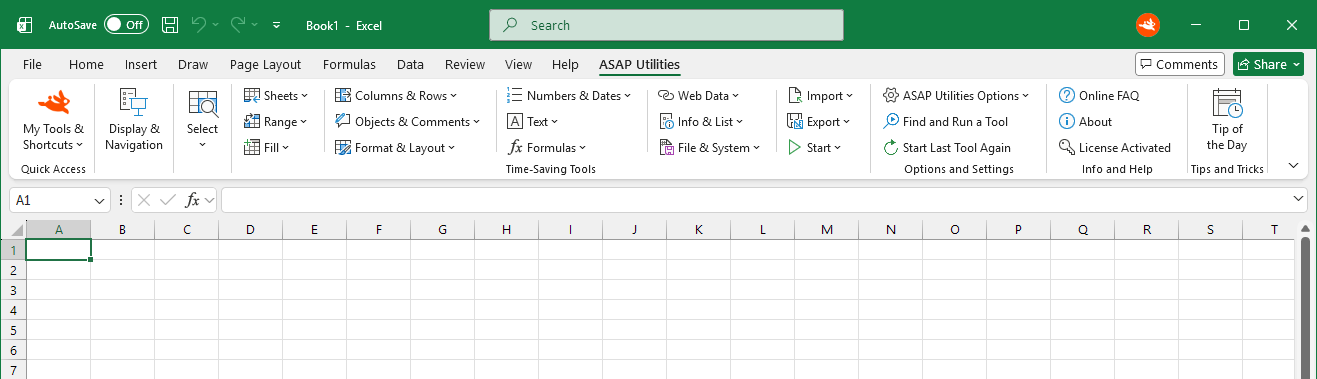
A friendly Excel add-in that saves our users a lot of valuable time.

Kent
The Kent Device Enabler is a software addition to LabChart, allowing Kent Scientific devices to stream data into LabChart.
OxfordOptronix
The Oxford Optronix Device Enabler is a software addition to LabChart that allows a range of tissue monitors manufactured by Oxford Optronix Ltd. to stream data into LabChart.