Kiosc
Customise your touch screen user-interface
v1.17.21
This title isn't mirrored on MirrorNest — see how we source software for why. The button above goes straight to the official publisher.
Screenshots
About
Kiosc is a Linux application for creating custom touch-screen user interfaces for Visual Productions lighting controllers. It is intended to provide a prepared control surface rather than an editing environment, so the interface can be presented to non-technical operators without giving them editing capability. In practice, it serves as a way to operate lighting controls through a purpose-designed dashboard.
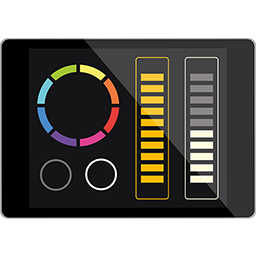
Users can create dashboards ranging from simple layouts to more extensive control interfaces. Available control elements include buttons, sliders, colour pickers, XY control, and labels. These elements can be arranged to support tasks such as selecting scenes or presets, setting intensity levels, and choosing RGB colours. Kiosc can remotely control Visual Productions solid-state controllers including CueCore2, QuadCore, and B-Station, as well as CueluxPro software.
It is aimed at people who need a touch-based control interface for lighting operation, including non-technical operators using a dashboard prepared by someone else. The no-editing design separates interface creation from day-to-day use, which fits situations where operators need controls without access to the design process. The tool therefore belongs in the System Tools category as an interface for managing supported lighting systems rather than as a general lighting design application.
Kiosc is listed for Linux in MirrorNest and uses a commercial license. MirrorNest links directly to the official Kiosc release instead of hosting a mirrored copy. This distribution setup makes the catalog entry a route to the official release while leaving the software's licensing and release source unchanged.
Details
Does this still work for you?
Reviews
No reviews yet — be the first.
More in System Tools

WALLL
Elegant multi-monitor wallpaper manager for pixel-perfect desktop setups.
store-admin
Canonical snap-store-proxy administration client and utility

openthread-border-router
OpenThread Border Router

Core base snap
Snap runtime environment

console-conf
console-conf Ubuntu Core first boot experience

pyright
Static type checker and language server for Python