
A2DP Volume
Manage Bluetooth functions
v2.13.0.4
2.6 MBscanned clean· 7 downloads
About
A2DP Volume is an open-source Android application for managing audio behavior around device connections. It is intended primarily for Bluetooth systems in cars, where stereo streaming audio may need connection-based volume handling. When a configured connection ends, the application restores the volume associated with that situation.
The app supports paired Bluetooth devices and supported virtual devices. Examples of virtual devices include a home dock, a car dock, a power connection, and a headset plug. Users can configure each paired or virtual device according to their preferences. This allows settings to be associated with the particular device or connection in use.
While connected, A2DP Volume can read text messages aloud through available Text To Speech services. It also includes a secondary function for capturing location information. This location feature can provide information that helps identify where a car was left.
On an Android device, location capture can be triggered automatically when Car Mode is exited. The captured location can be read by another application that understands GPS data. A manual on the project website provides configuration and usage guidance.
In the MirrorNest download catalog, A2DP Volume fits the Video & Media Players category because it focuses on stereo streaming audio and connected playback systems. MirrorNest stores a direct mirror of the official build on its own storage and scans it for malware before publishing. The open-source license means the application is distributed as an open-source product rather than as a closed proprietary application.
App permissions
Read straight from this app's own installer file — the real access it declares it can request, not a guess.
- Access approximate location
- Access precise location (GPS)
- Modify or delete files on your device
- Read phone status and identity
- Read files on your device
- Run automatically at startup
- Change Wi-Fi connections
- View Wi-Fi connections
Reviews
No reviews yet — be the first.
More in Video & Media Players

mpv-android
Listen to music and watch videos
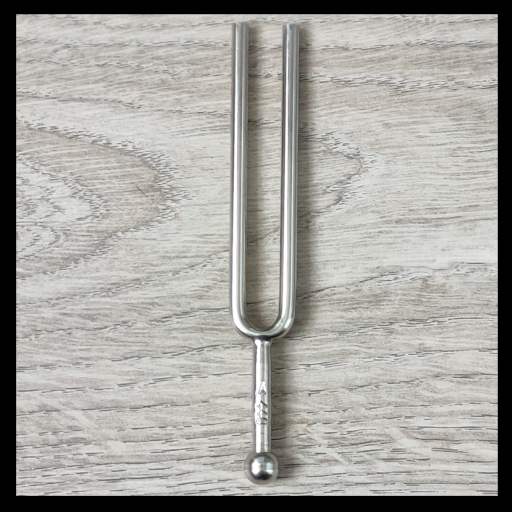
Tuning fork
Reference tones source for musical instruments tuning

UPnP Kino by naiveHA
Uncomplicated simple: Stream audio and/or videos to upnp enabled players, eg VLC

Baby Dots
Soothe and calm young babies

FoCal
FoCal enables you to create your personal photo calendar
Reverb
Rolling audio recorder for Android